
Where to Find Applied and Completed Projects
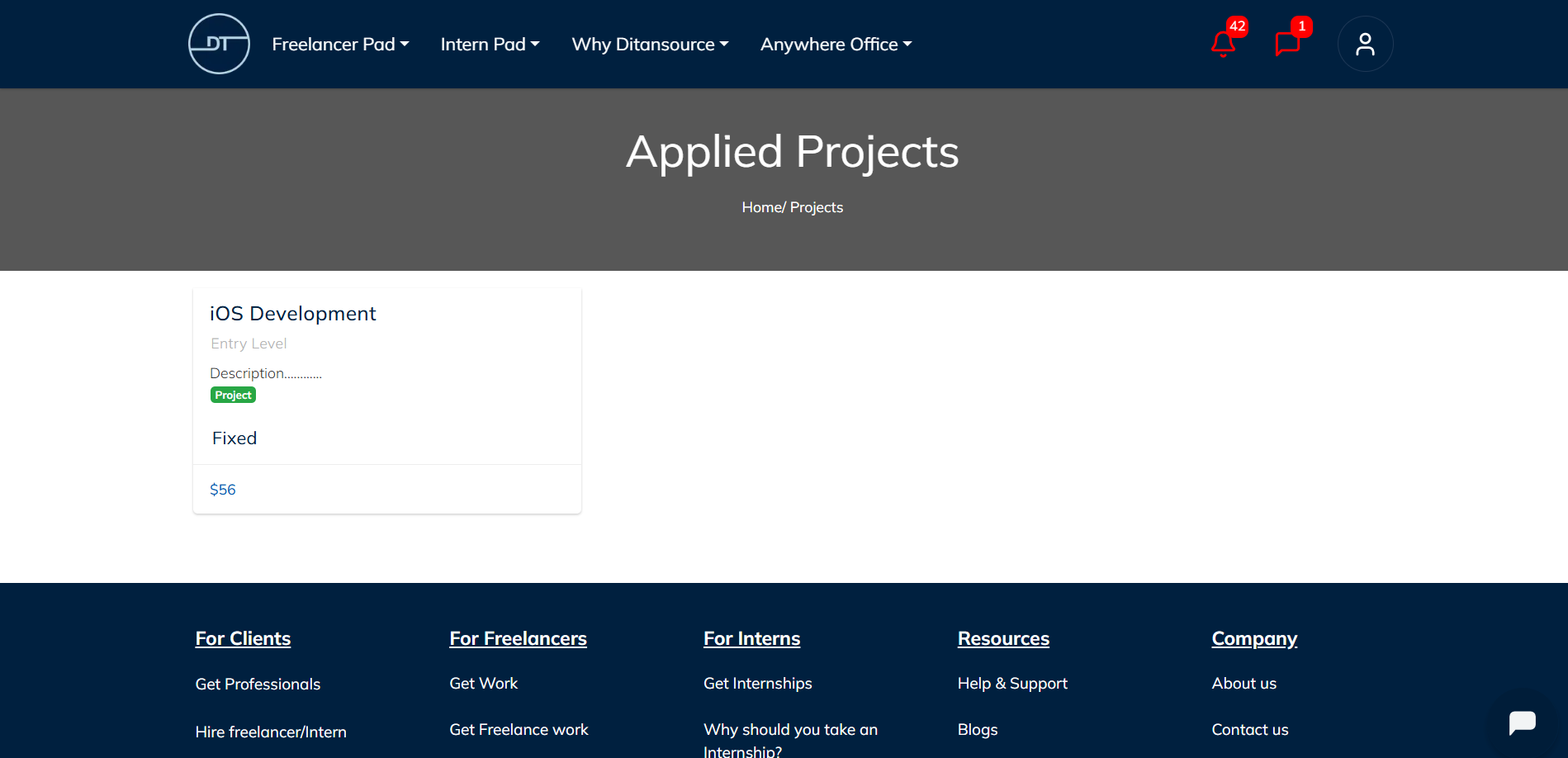
Applied Projects:
Once you have applied for a project and the client hires you, the project will appear under the Applied Projects section in the Freelancer Pad drop-down menu. This section contains all the projects you are currently working on or have been assigned by clients. To view a specific project, simply click on the project name. The project details page will display important information such as the project description, client information, milestones, payment details, deadlines,attachments, and any additional instructions shared by the client. Regularly reviewing your Applied Projects helps you stay organized, monitor your progress, and keep track of ongoing work.
Completed Projects:
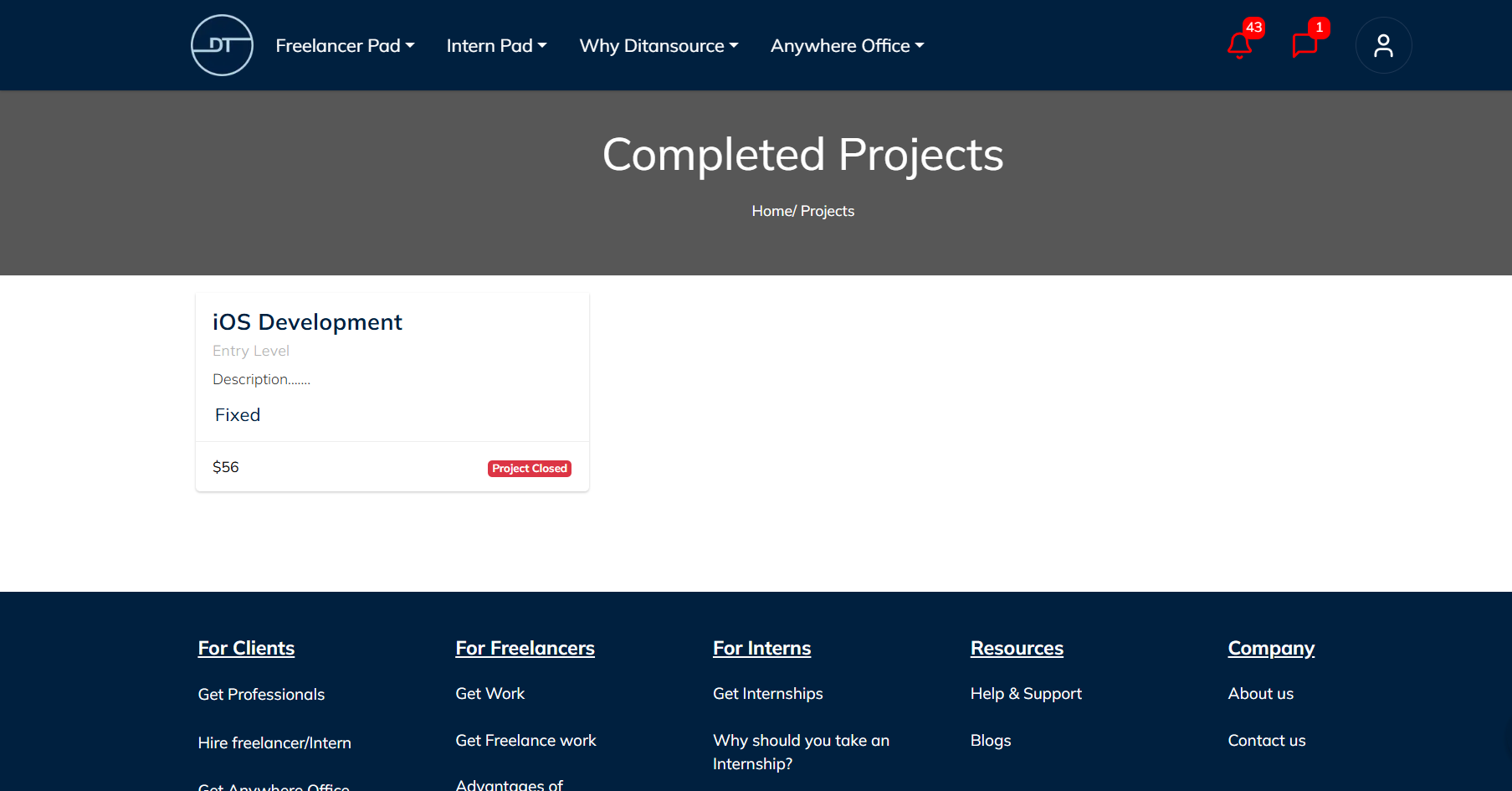
After successfully completing a project and fulfilling all the required milestones, it will automatically move to the Completed Projects section in the Freelancer Pad. This section serves as a record of all the projects you have successfully finished on Ditansource.
To view the details of a completed project, click on the desired project from the Completed Projects list. You can review the complete project information, including milestones, completed work, payment history, attachments, and other project-related details. This history is useful for maintaining your professional portfolio, reviewing previous work, and referencing past projects whenever needed.
Keeping track of both your Applied and Completed Projects helps you manage your freelance work more efficiently while maintaining a complete record of your experience on Ditansource. It also allows you to showcase your completed projects and build credibility for future opportunities on the platform.
 By following these steps, you can easily find and manage your Applied and Completed Projects on Ditansource. If you experience any issues while accessing your project records or need additional assistance, please contact our support team at contact@ditansource.com, and we will be happy to assist you.