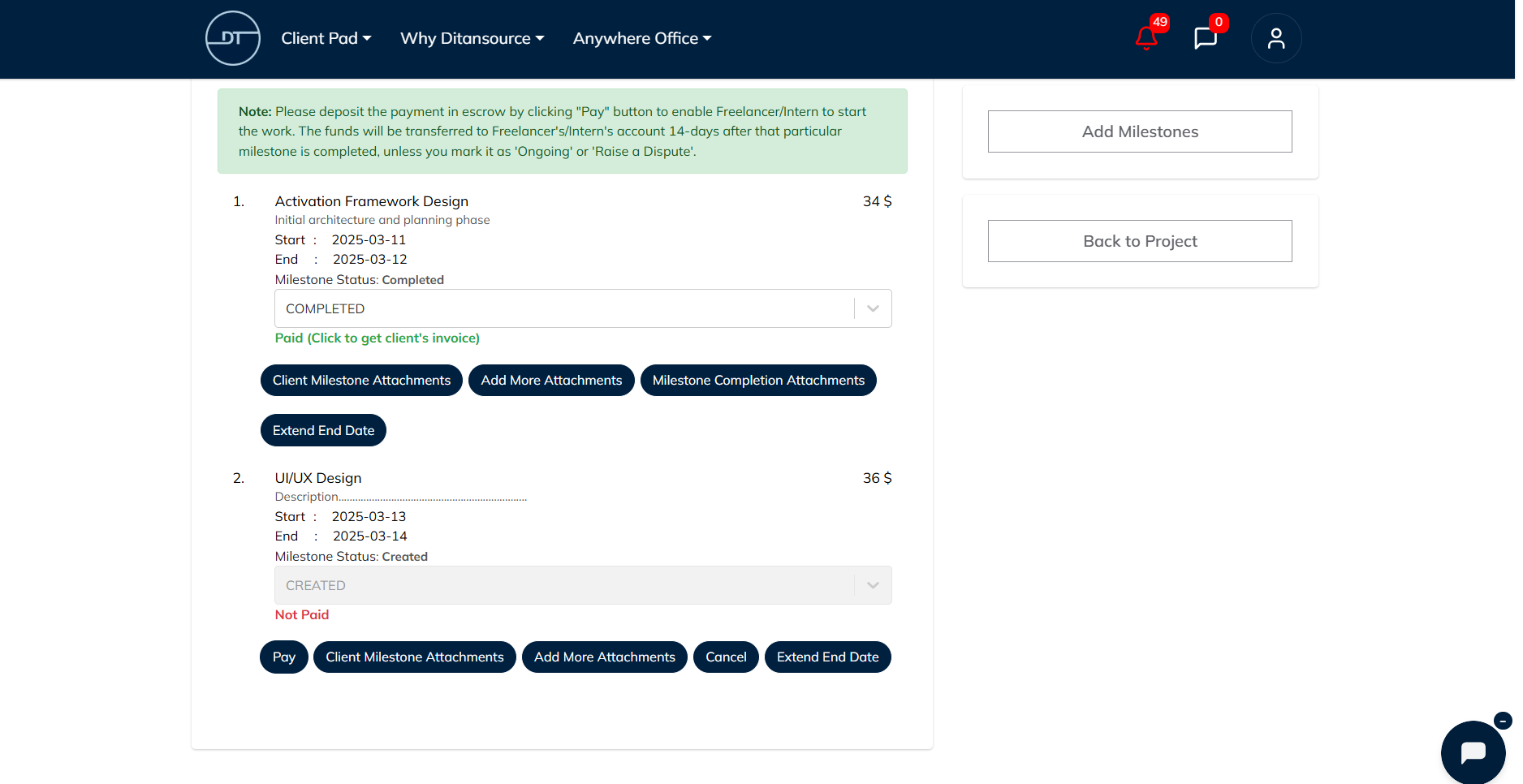
Milestone Attachments
Milestone attachments help clients share important files, documents, or supporting evidence with freelancers or interns before releasing a milestone payment. These attachments improve transparency by allowing both parties to keep all project-related documents in one place. Whether you want to share completed work, design files, reports, screenshots, contracts, or any other supporting documents, attaching them to a milestone ensures that everyone involved has access to the necessary information before payment is processed.
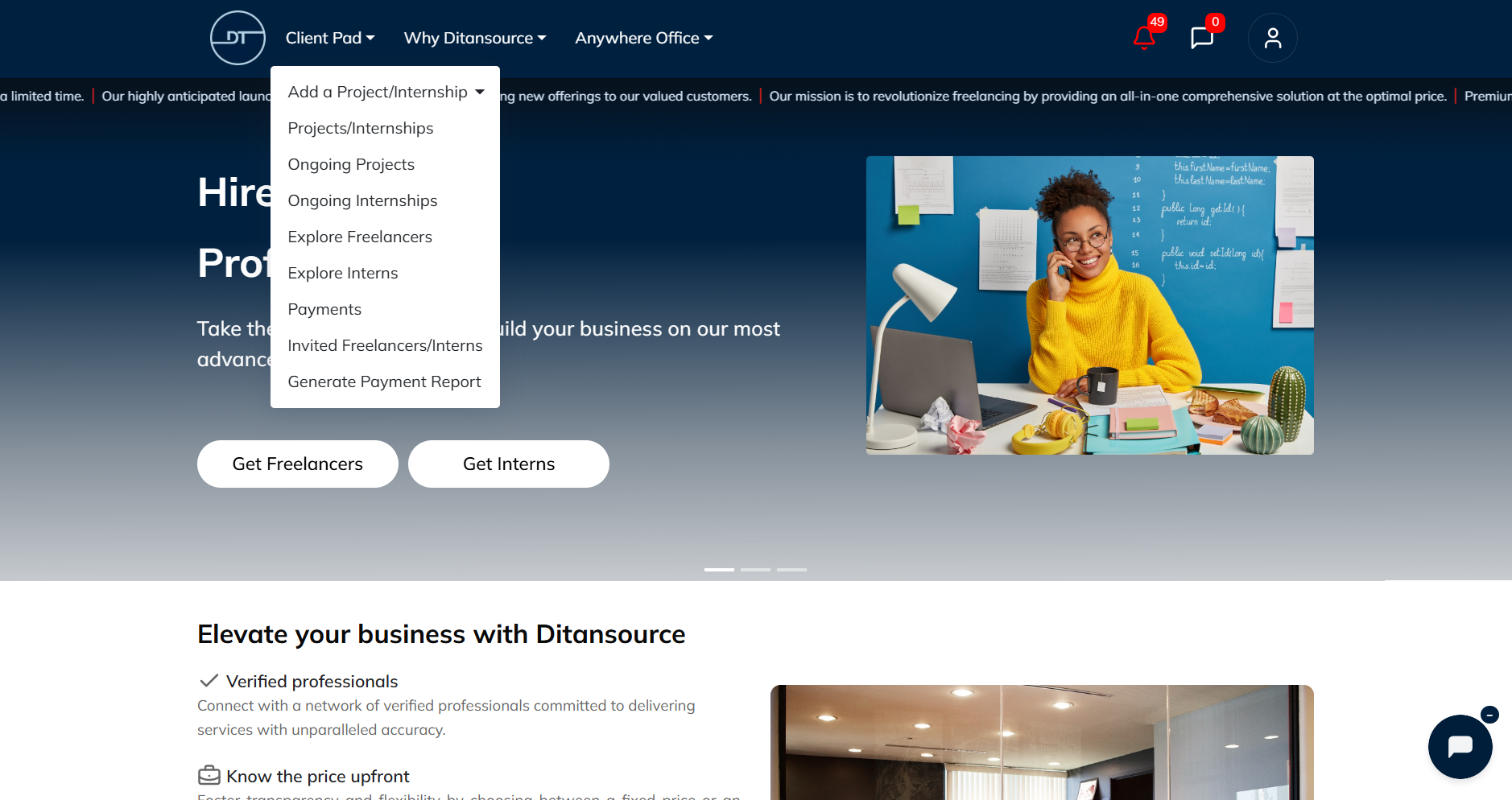
To add a milestone attachment, first log in to your Ditansource account and navigate to the Client Pad from your dashboard. From the available options, click on Ongoing Projects/Internships to view all the active projects and internships you are currently managing.
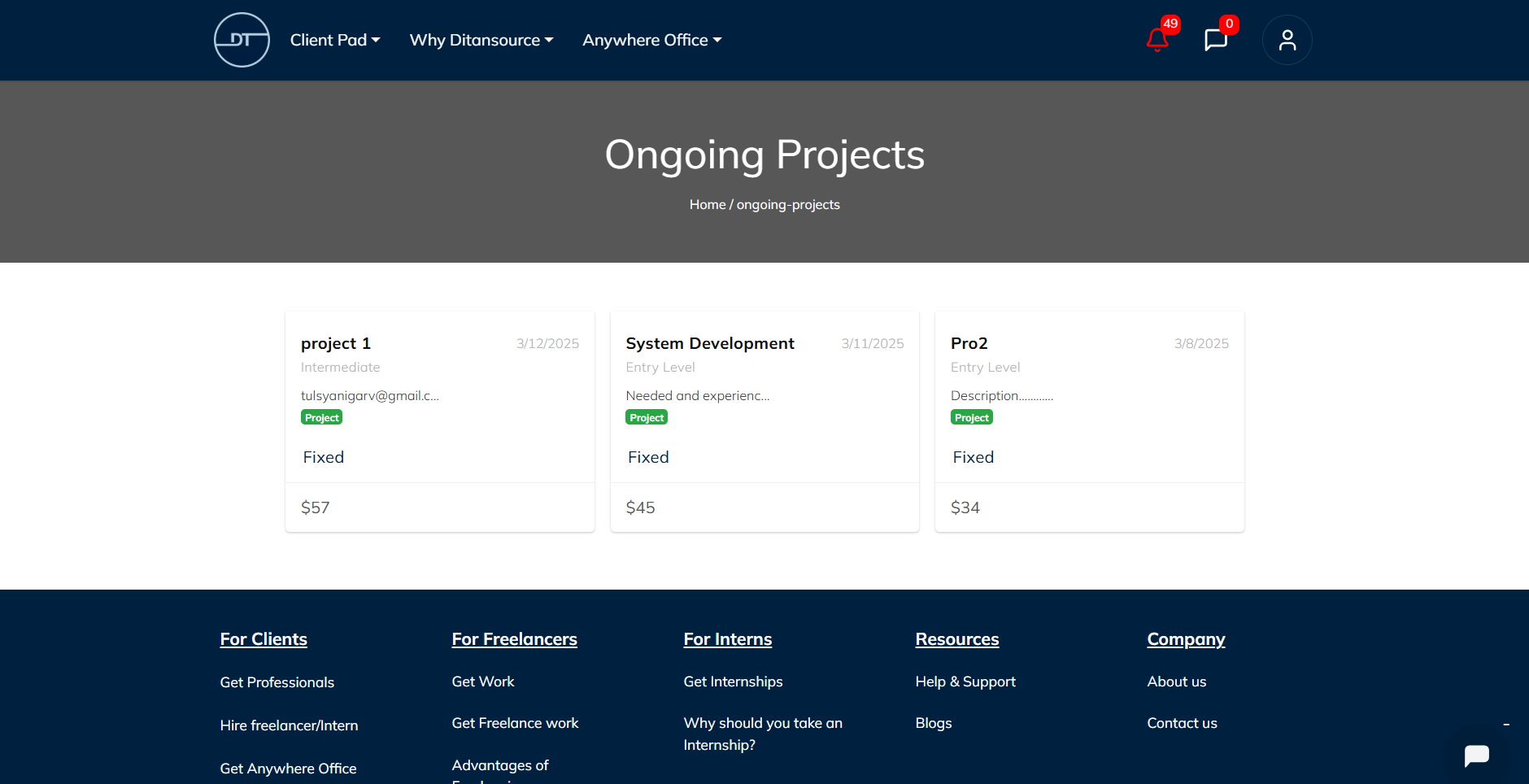
Next, select the project or internship for which you want to upload a milestone attachment. This will open the project details page, where you can monitor progress and manage milestone-related activities.
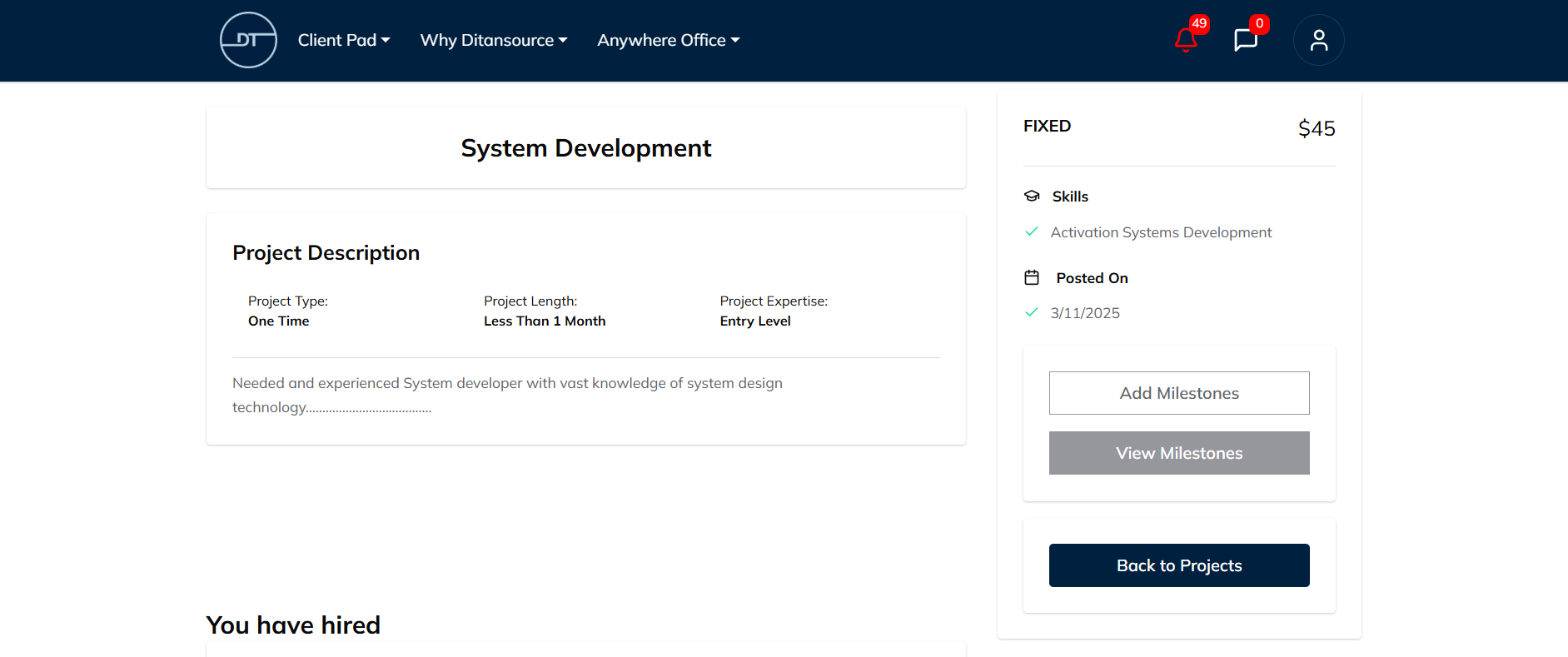
Click on View Milestones to display all the milestones that have been created for the selected project or internship. Here, you can review each milestone, its status, and the associated payment details.
Locate the milestone for which you want to upload a file and click Add Attachments. A file upload window will appear, allowing you to browse and select the document or file from your device. After selecting the appropriate file, enter a meaningful comment describing the attachment. Your comment will be visible to the freelancer or intern, helping them understand the purpose of the uploaded file.
Before uploading, ensure that your attachment is the correct version and contains all the necessary information. Providing clear and relevant comments helps improve communication and minimizes confusion during project execution
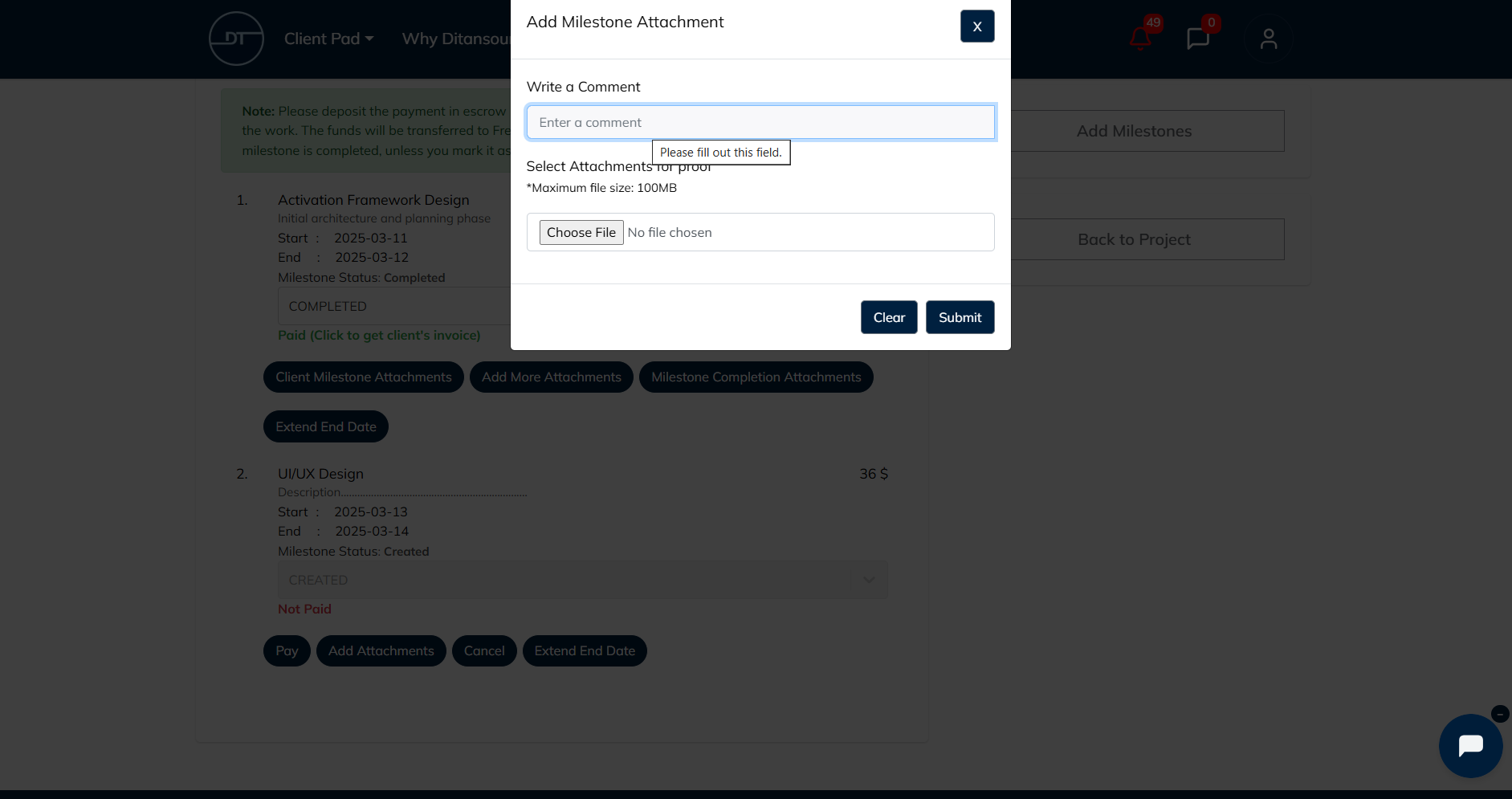
Once you have successfully uploaded the attachment and reviewed the details, click the Pay button to complete the milestone payment. The attachment will remain linked to that milestone, providing both you and the freelancer or intern with a clear record of the files shared during the payment process.
Using milestone attachments helps maintain organized project documentation, improves collaboration, and creates a transparent payment workflow. Keeping all relevant files attached to their respective milestones makes it easier to review completed work, verify deliverables, and maintain project records throughout the engagement.