
How to Upload Your Selfie Video
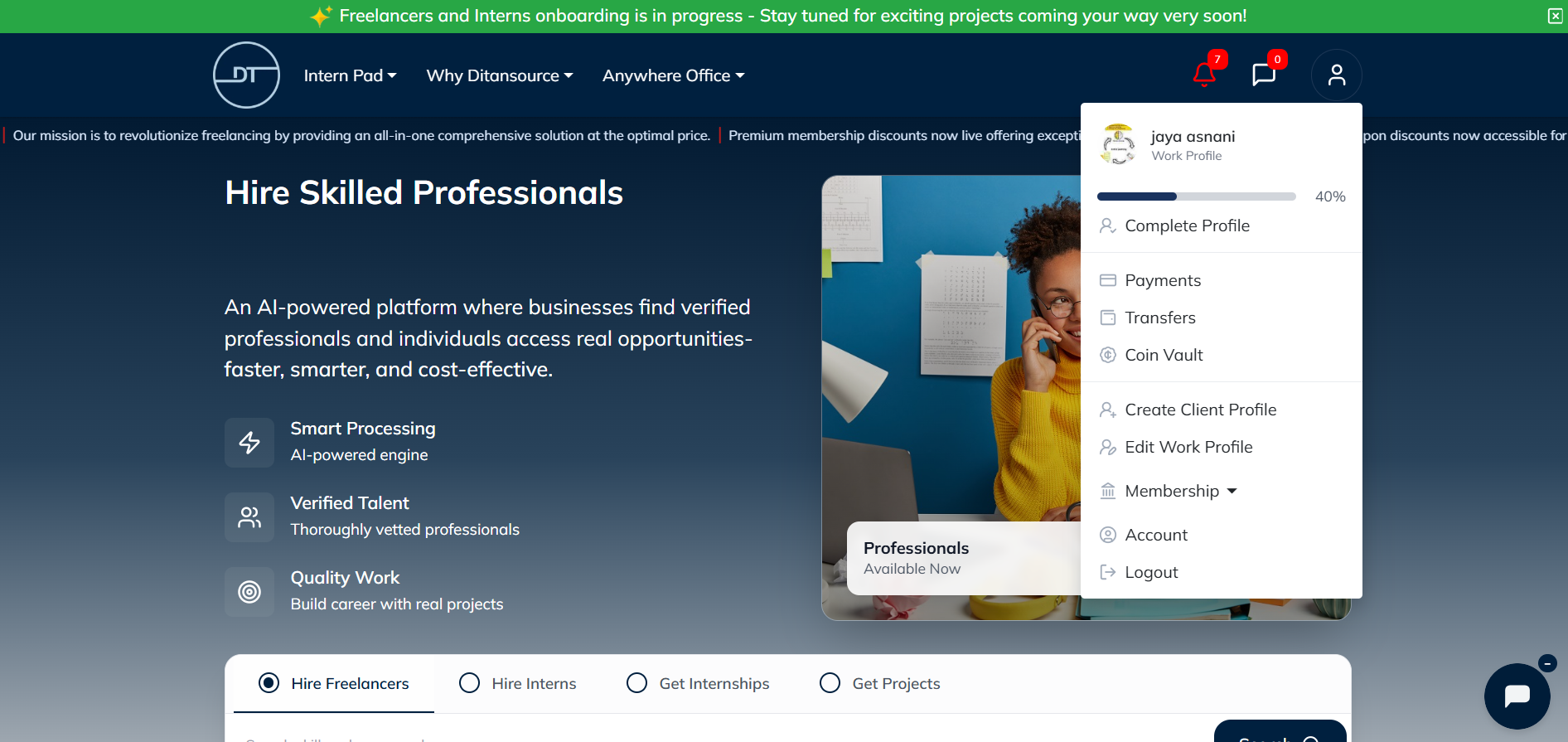
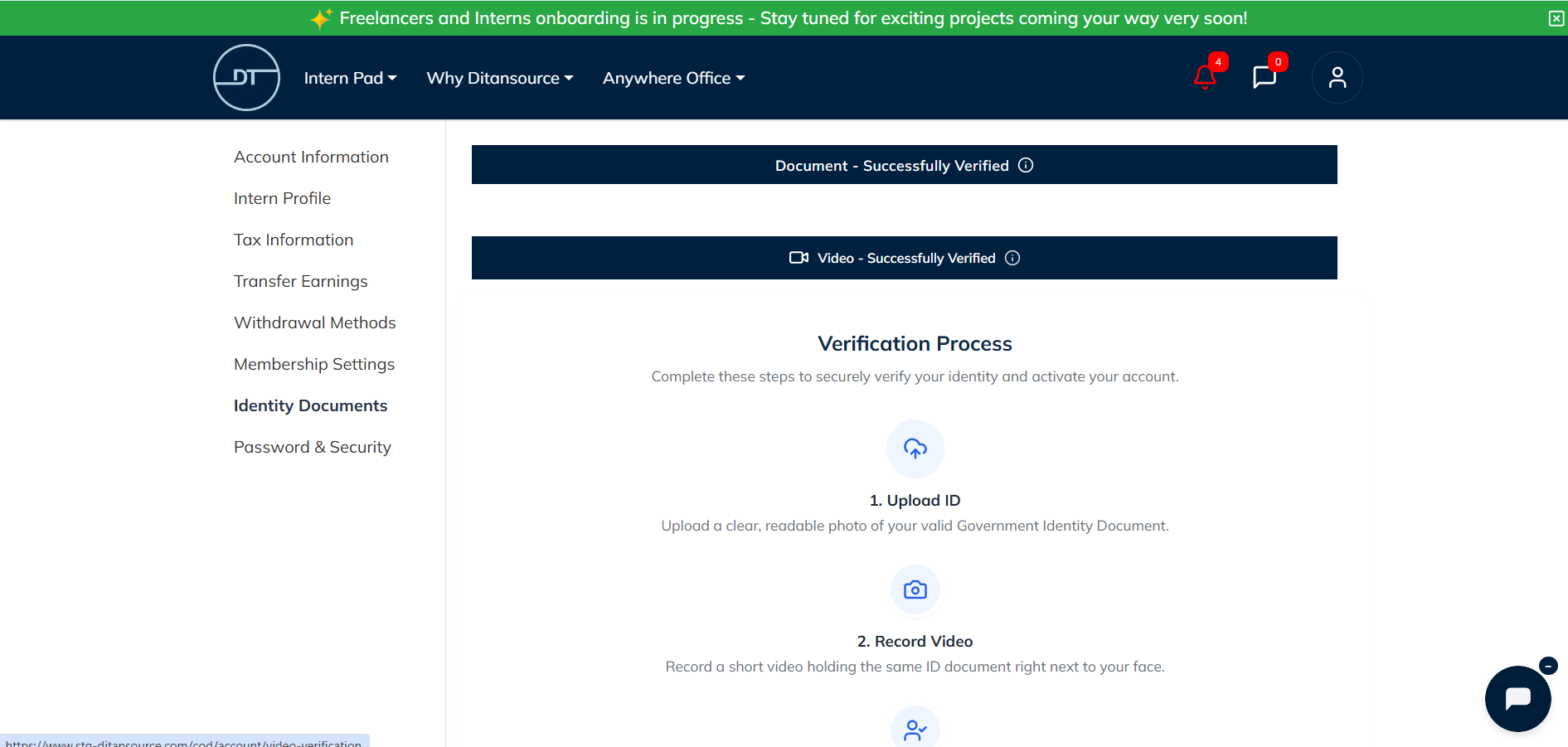
From the Homepage, click on your Profile icon and navigate to the Account page. Select Identity Documents from the left-side menu to begin the identity verification process.
Upload a clear, readable, and valid government-issued identity document. Once your document has been uploaded successfully, the Verify via Video option will become available, allowing you to proceed with the next verification step.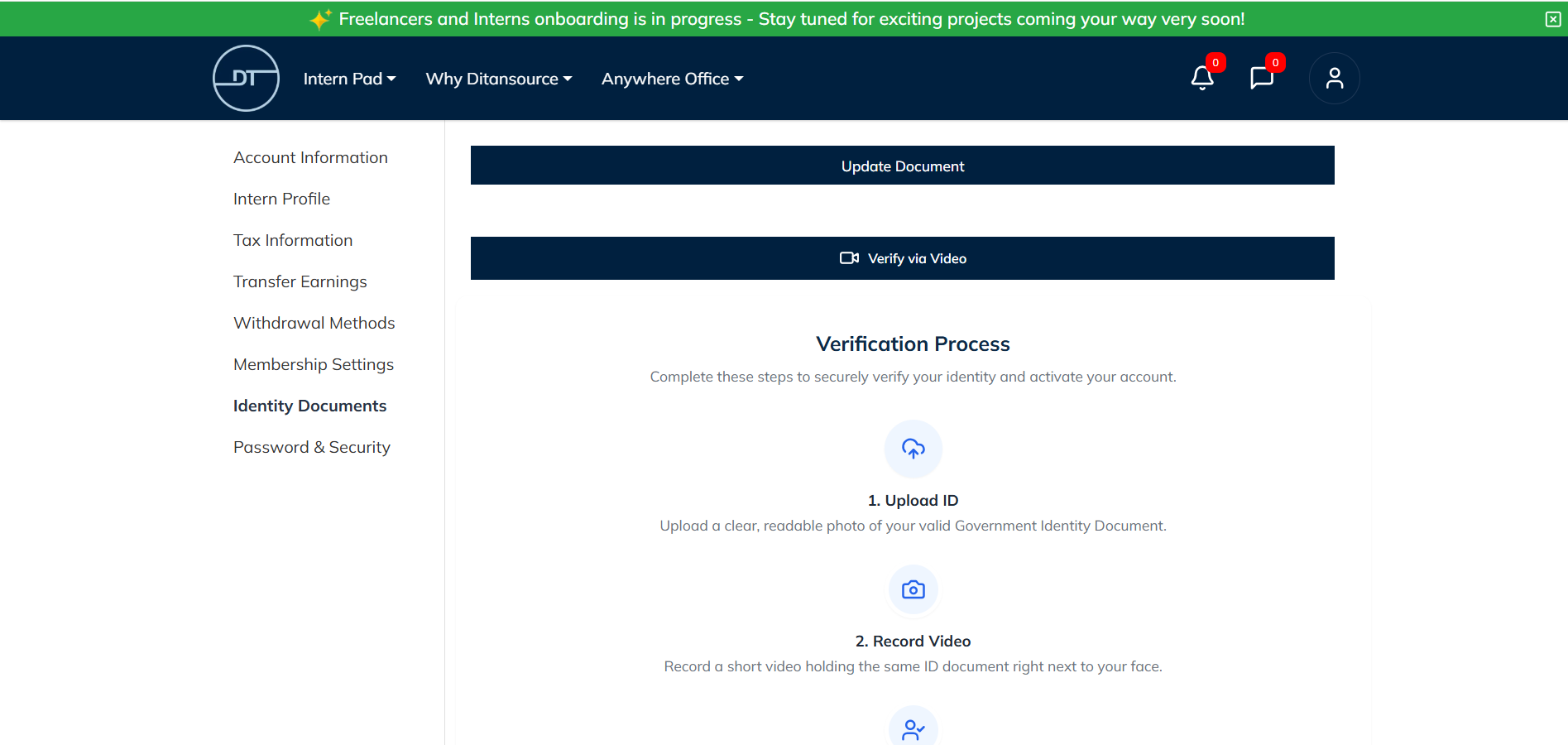
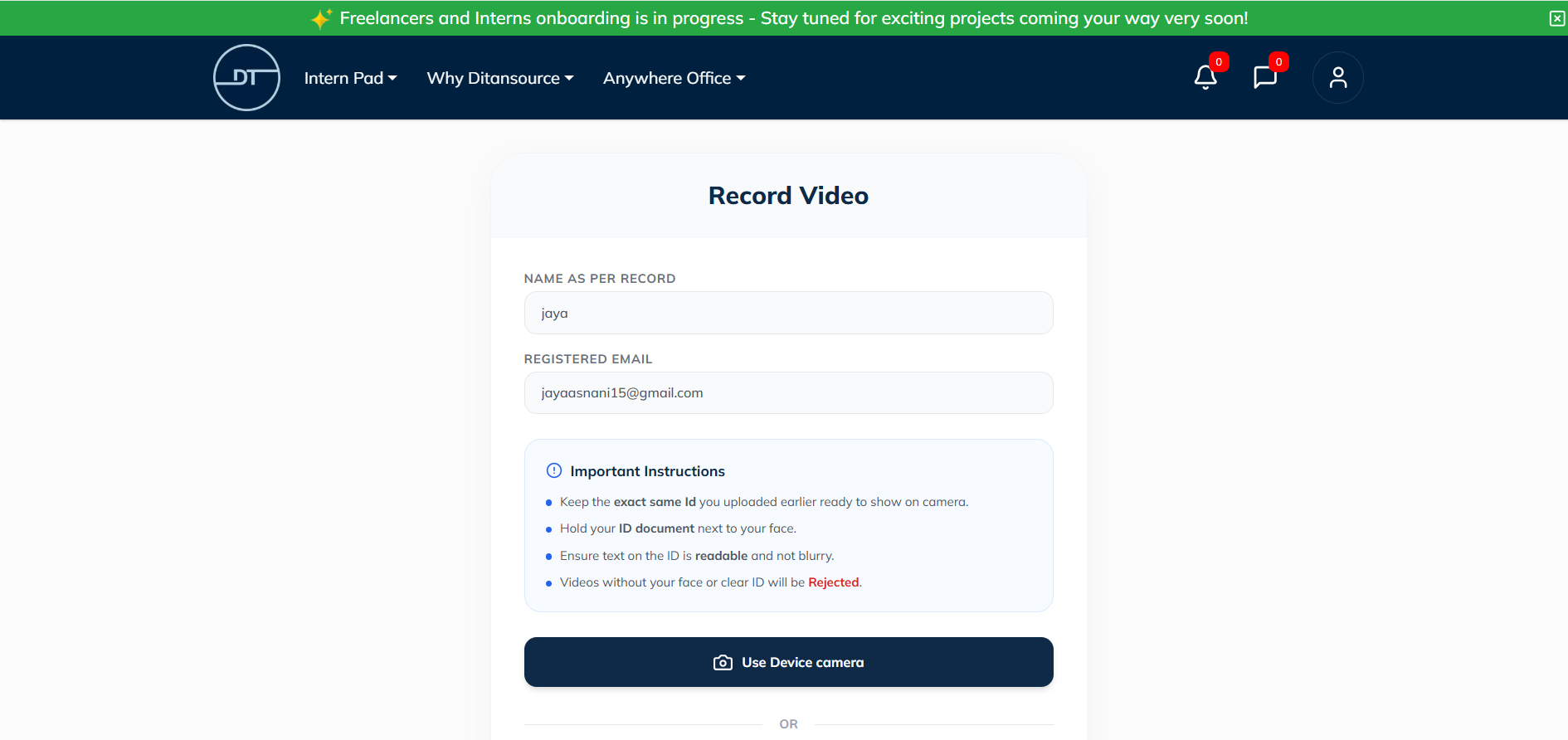
Click Verify via Video, carefully review the provided instructions, and record a short selfie video while holding the same identity document you uploaded earlier. Ensure that your face and the ID document are clearly visible throughout the recording for a successful verification.
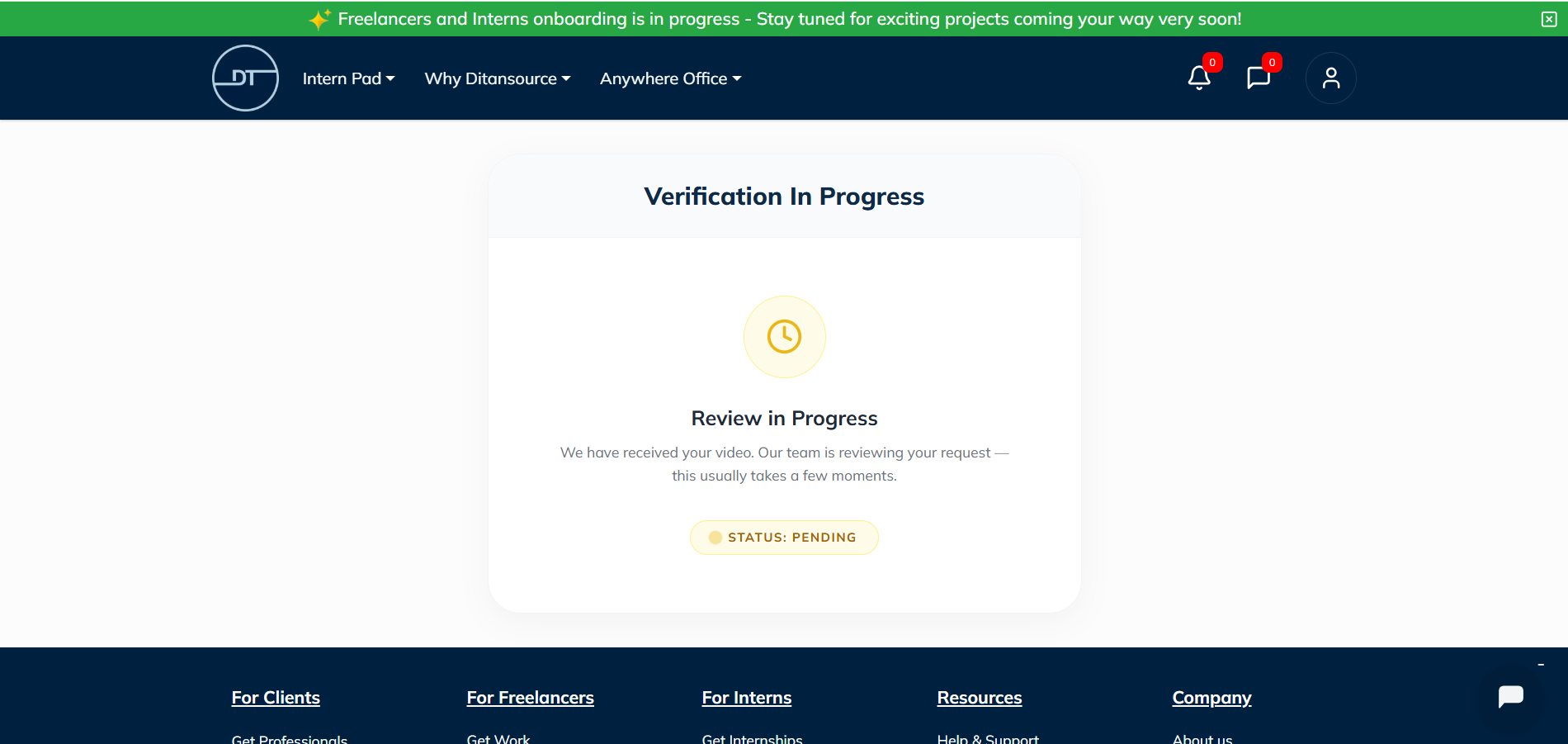
After submitting your selfie video, your verification status will change to Pending. Our admin team will review both your uploaded document and selfie video. The status will remain pending until the verification process is completed and approved.
Once your identity document and selfie video have been successfully reviewed and approved by the admin, your account will be marked as Verified. You can then enjoy full access to all verified platform features and services.
If you have any issues or need assistance, please reach out to our support team at contact@ditansource.com.