How to Complete Your Profile and Improve Visibility
To complete your profile, click the Profile icon on the Homepage and choose Complete Profile from the menu. You will be directed to your profile page, where you can review your existing information and fill in any missing details. You can also access the same page through the Account section at any time to make changes to your profile. Keeping your profile information updated helps ensure that your account details remain accurate and that you can access all available features without any issues. After making the required changes, remember to save your updates before leaving the page.
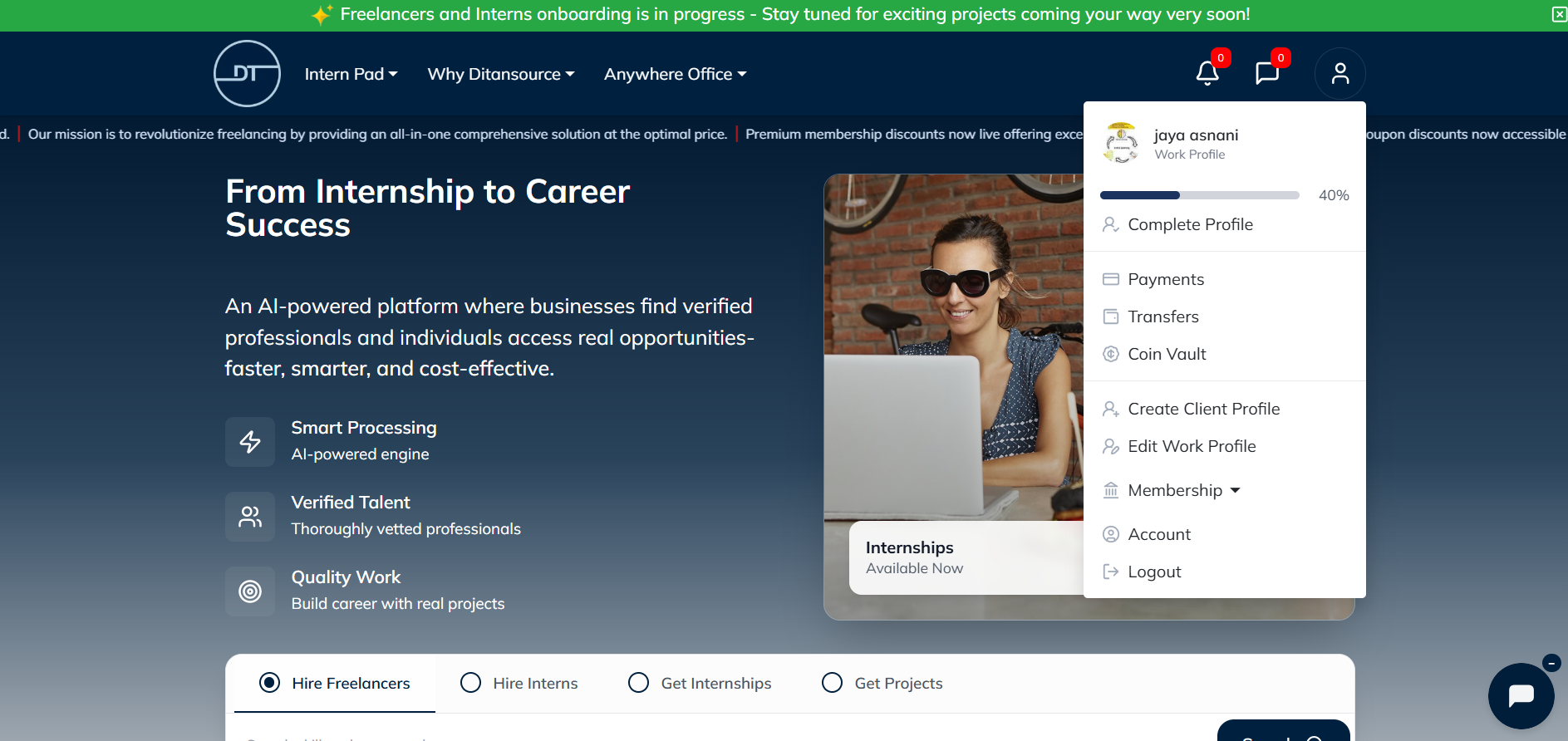
The Complete Profile panel displays your current profile completion percentage along with the sections that still need to be completed. Each section contributes to your overall profile score.
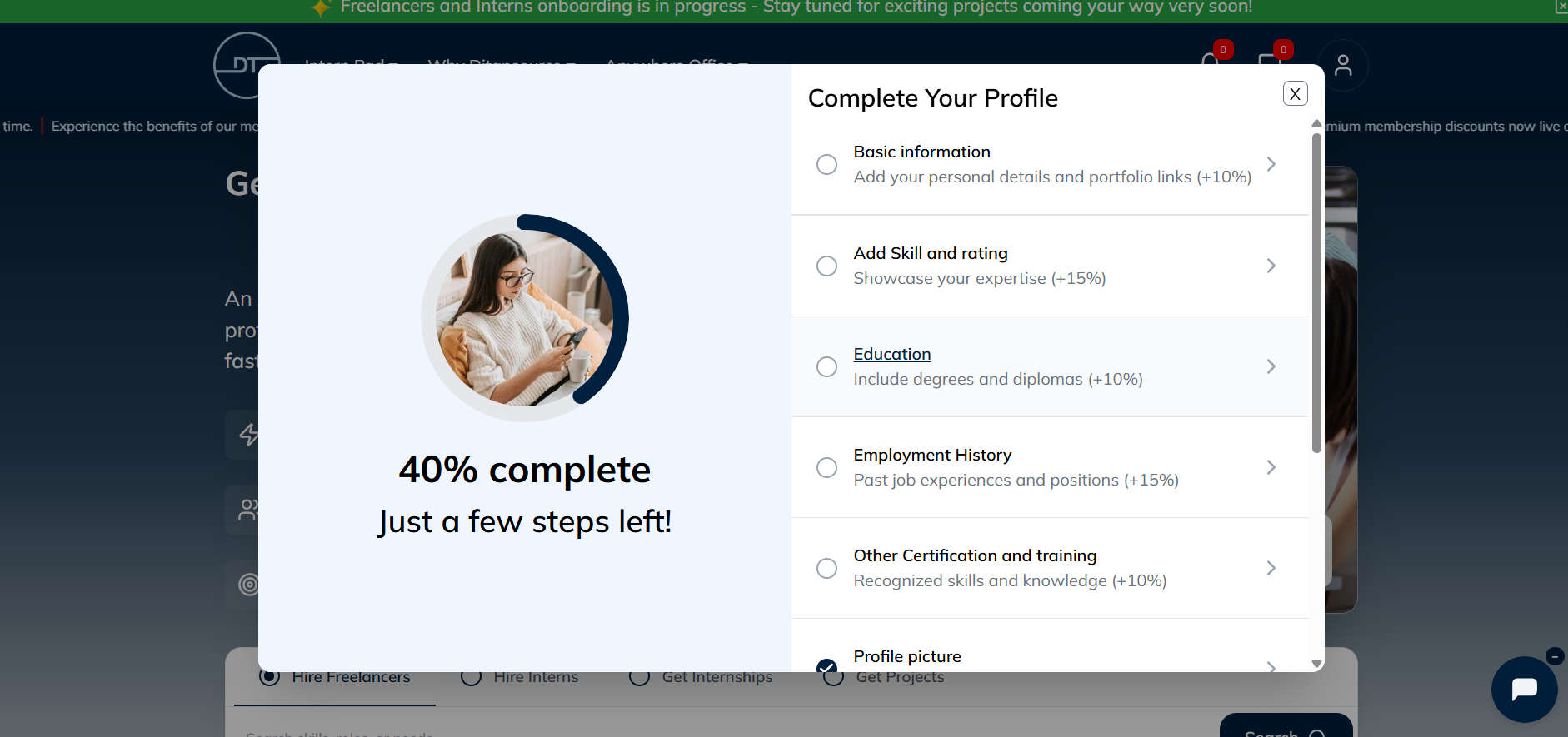
As you complete each section, your Profile Completion percentage will increase automatically. A higher profile completion helps build credibility, improves your visibility on the platform, and increases your chances of getting noticed by clients and recruiters.
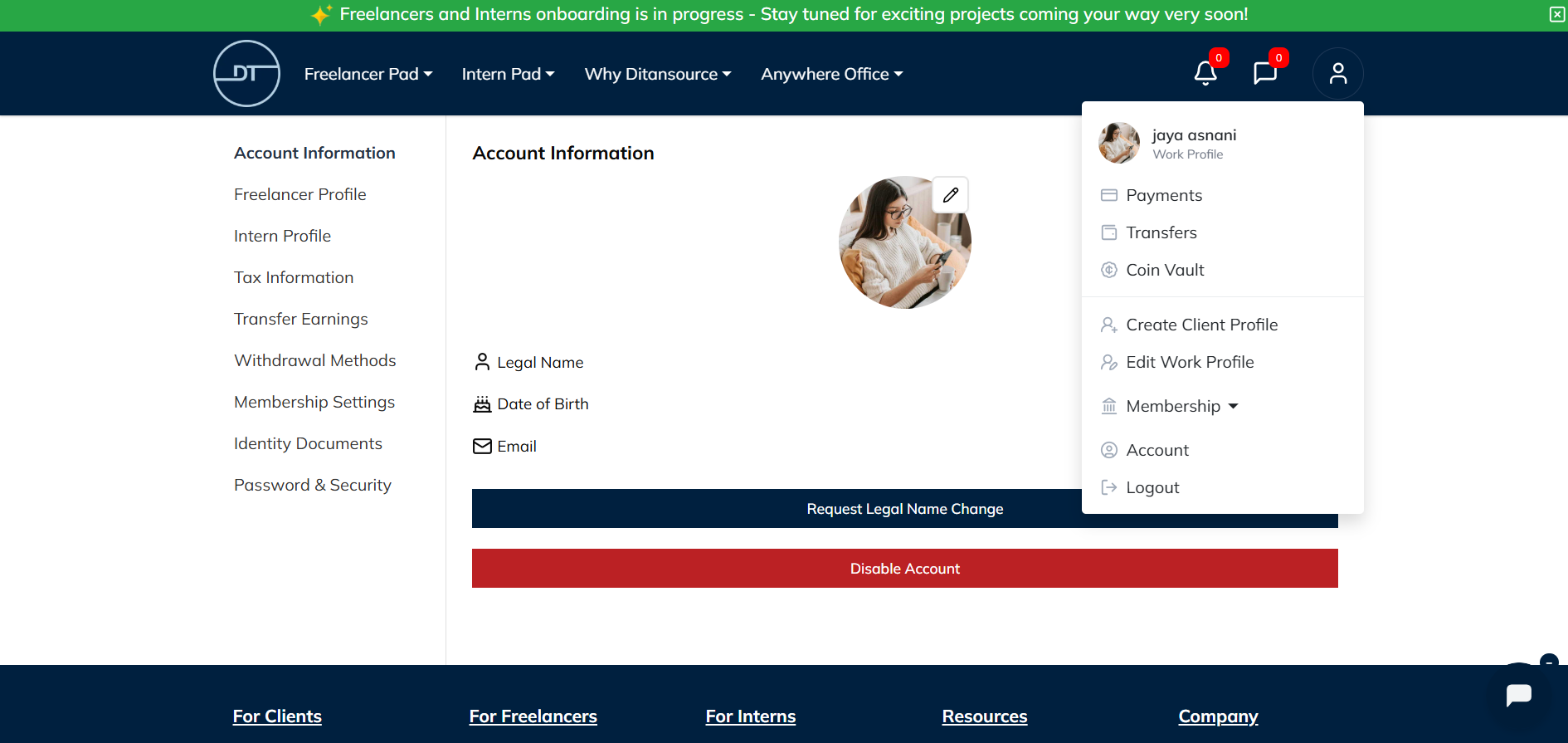
Once all required sections are completed, your profile will show 100% Complete, indicating that your work profile is fully set up and ready for opportunities.